
VERIFIED X VISUAL PROMPT
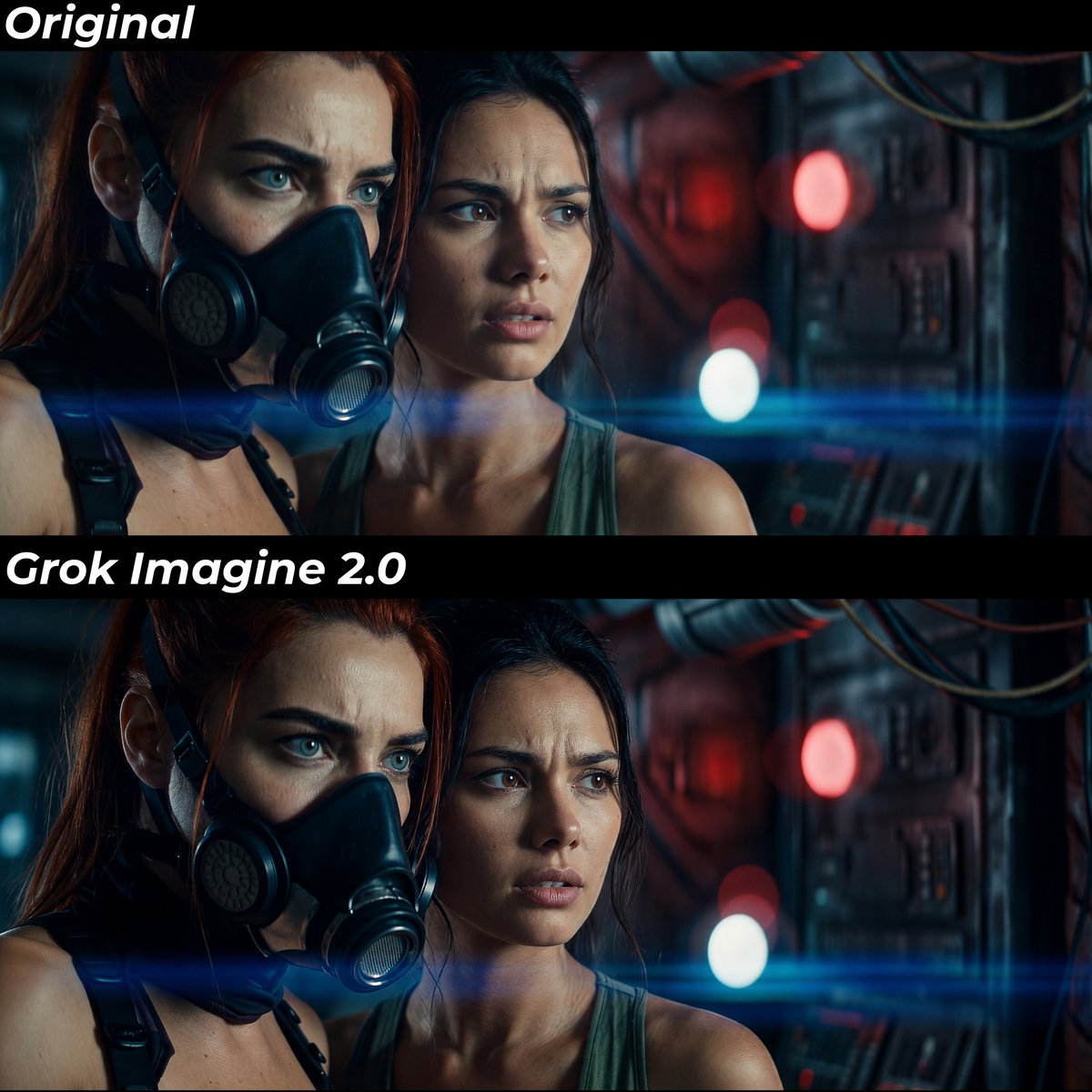
Image upscaling with @imagine Grok Imagine 2.0
Creator: @AITrailerverse
Model: Nano Banana
用这个效果生成 View original X source ↗原始提示词
I usually generate in Nano Banana Pro (character refs + mood frames), but the skin often looks plastic an AI looking. Running it through Grok Imagine 2.0 as an upscaler adds real texture to skin, fabric, and surfaces, which is especially helpful when generating video, because the models get a much more detailed and realistic start frame or reference images to work with.

The upscaling prompt I used for this specific image was:
Make image 100% realistic. Add subtle skin texture and skin pores. Keep characters the same. Keep the original image focus point, woman with mask left side of face slightly out of focus.

If I didn't add the "keep focus point", the character with the mask got completely in focus, which took away some of the cinematic feel.

Hope you found this tip helpful! Drop a like if you did ;)